
Create a New Biolinks Page
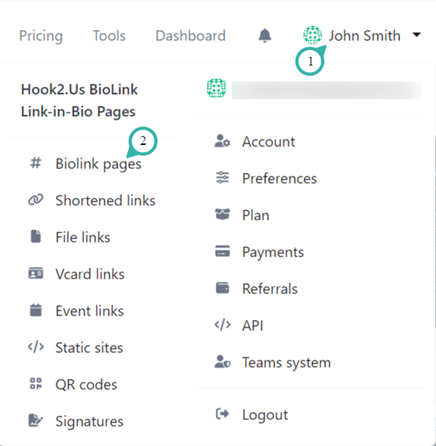
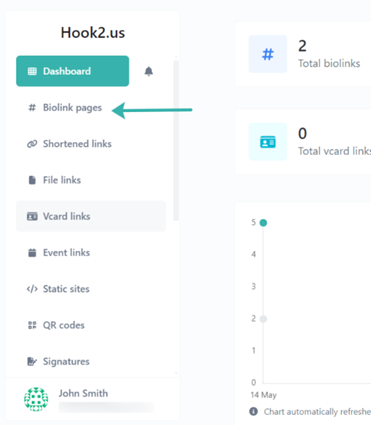
To create a biolink page, first navigate to Biolink Pages. This can be found near the top of the left menu on your dashboard, or by clicking your name on the homepage and selecting Biolink pages.
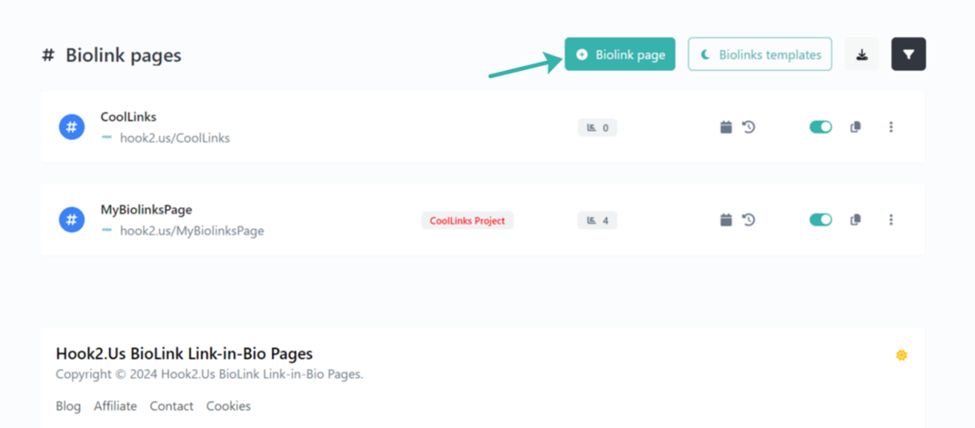
On the top-right, click on “+ Biolink Page”
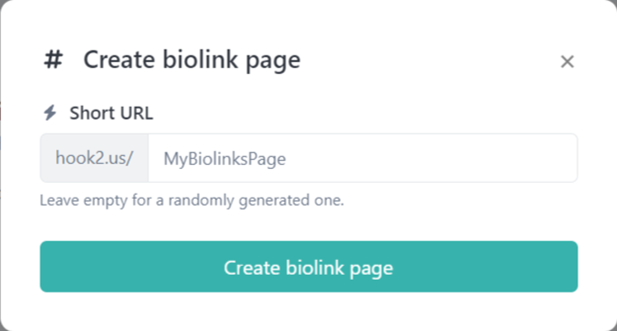
Enter an appropriate URL for your biolink page (e.g. https://hook2.us/MyBiolinksPage). Then click on “Create biolink page.”
Next you can continue to edit your new biolinks page.